




Blind-Spot Collision-Avoidance Assist Explained
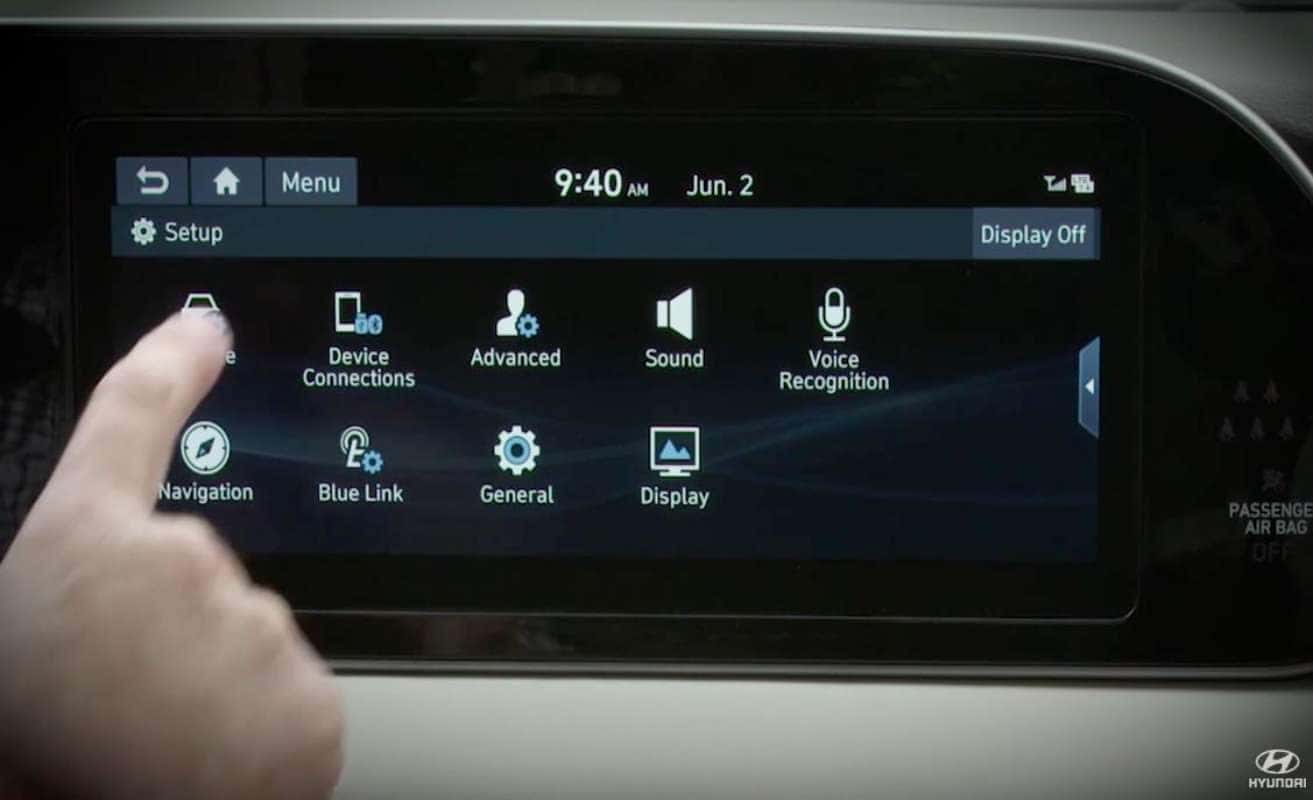
To activate the system, make sure that the ignition is on. For models with a digital display, press the setup button on the dash. Now, go to the touchscreen and select vehicle, then driver assistance, then Blind-Spot Safety. For models without the digital display, use the LCD display control button on the right side of the steering wheel to get to the user settings menu. Then driver assistance, then Blind-Spot Safety. You can then choose between active assist and warning only.
Active assist sounds a warning, and may apply the brakes if a collision is possible with a vehicle in your blind spot. For it to work, you must be traveling over 40 miles per hour and less than 110 miles per hour. And the system must detect lane markers on both sides of you. When it intervenes, BCA engages your vehicle’s electronic stability control system. The BCA breaks the front wheel in the direction opposite to the collision, that is expected to help keep you in your lane. If this happens, you’ll see an alert on the LCD display. If you choose warning only, you will only hear the audio alert and the system will not intervene.
BCA may not always detect a possible collision, especially on curves or slopes, where lanes are at different heights, or when traffic is merging or dividing. Please see your owner’s manual for a fuller list of these types of situations.
After your initial selection of active assist or warning only, you can turn the system on and off using the BCW switch on the instrument panel. It’s located below and to the left of the steering wheel. The system is active if the switch’s indicator light is on.
You can adjust how close you are to another vehicle before BCA activates. Make sure that the ignition is on. For models with a digital display, press the setup button on the dash. Now, go to the touchscreen and select vehicle, then driver assistance, then warning timing. For models without the digital display, use the LCD display control button on the right side of the steering wheel to get to the user settings menu, then driver assistance, then warning timing. You will see two options: normal and later. If you select normal, the system functions at a sensitive level, alerting you early to potential incidents. But you might choose later if traffic is light and you’re traveling at a low speed.
Be aware that changes to warning timing are universal. They can impact other safety systems. You can also set the warning volume of the alert. Make sure that the ignition is on. Then, use the LCD display control button to get to the user settings menu. Select driver assistance, then warning volume. You will see four options: high, medium, low, and off. Choose the volume you wish to use for the warning. Be aware that changes to warning volume are universal. They can impact other safety systems. As with all our safety features, Hyundai’s Blind-Spot Collision Avoidance Assist System is a valuable driver’s tool. But remember, it is no substitute for alert driving.
0 comment(s) so far on Blind-Spot Collision-Avoidance Assist Explained